
Campus operations
An operator-only admin portal manages students, print shops, notices and routines.
For universities
Operator tools help manage notices, routines, shops and account review.
 FOR UNIVERSITIES / MY UNIVERSITY
WHAT STUDENTS GET
Real screens from the student app, with sample data.
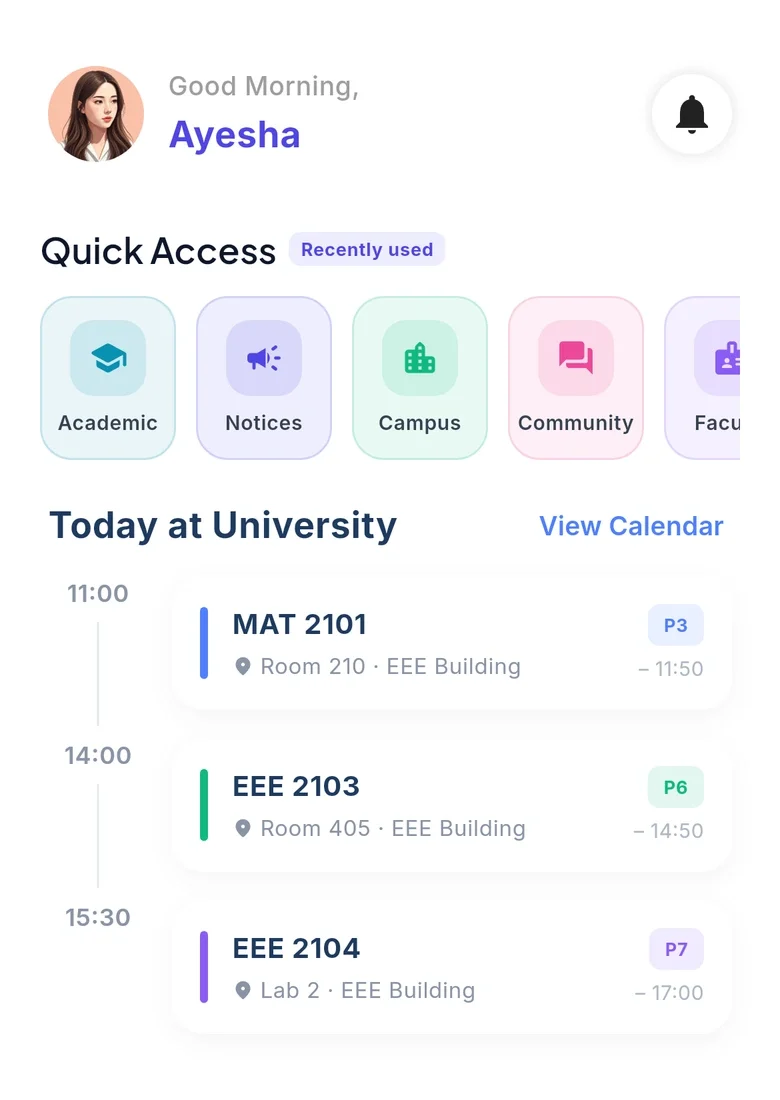 ROUTINE
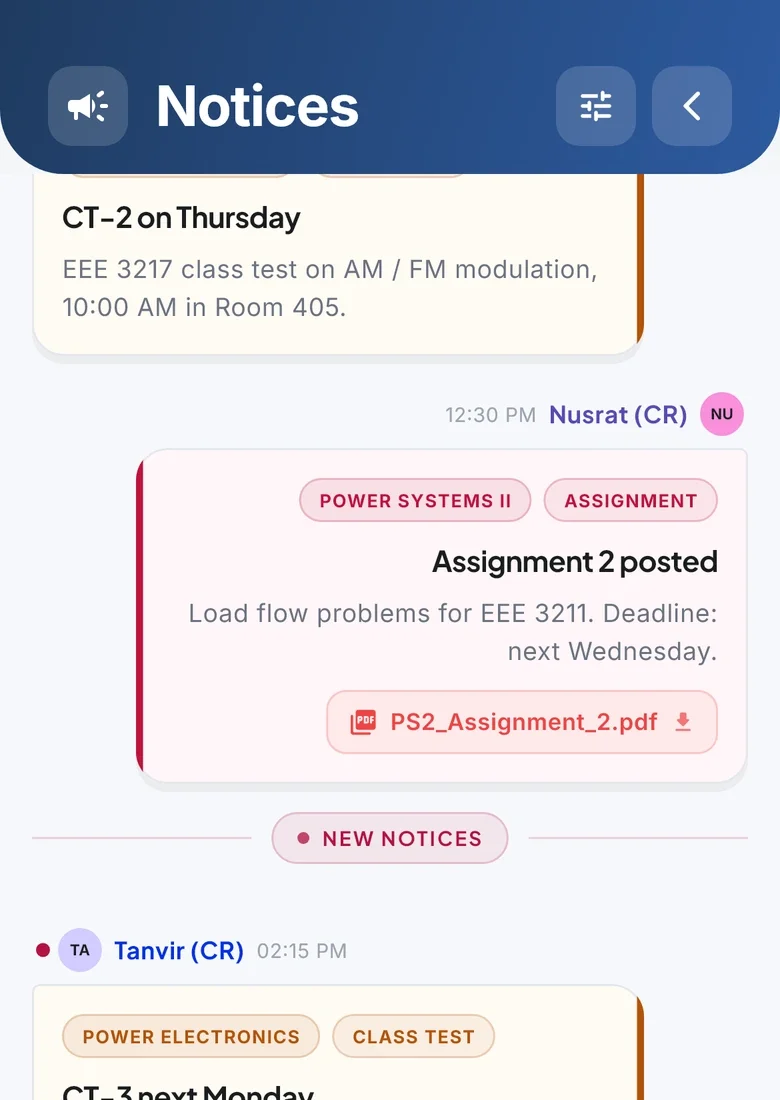 NOTICES
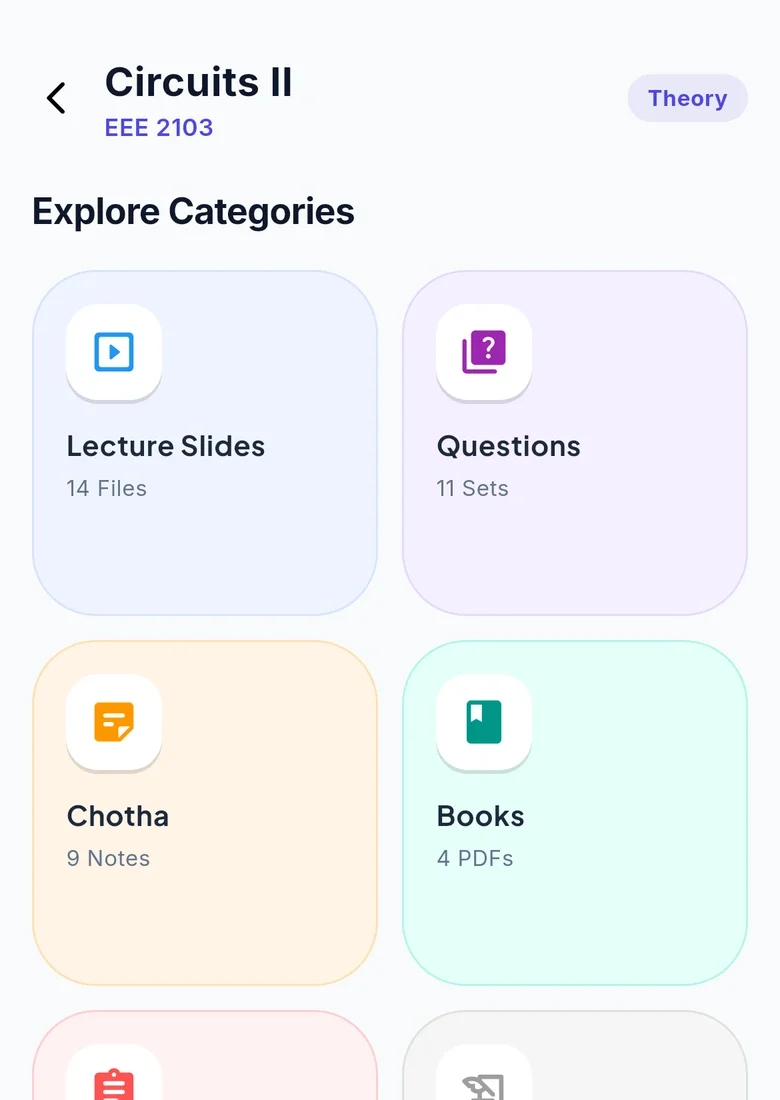 RESOURCES
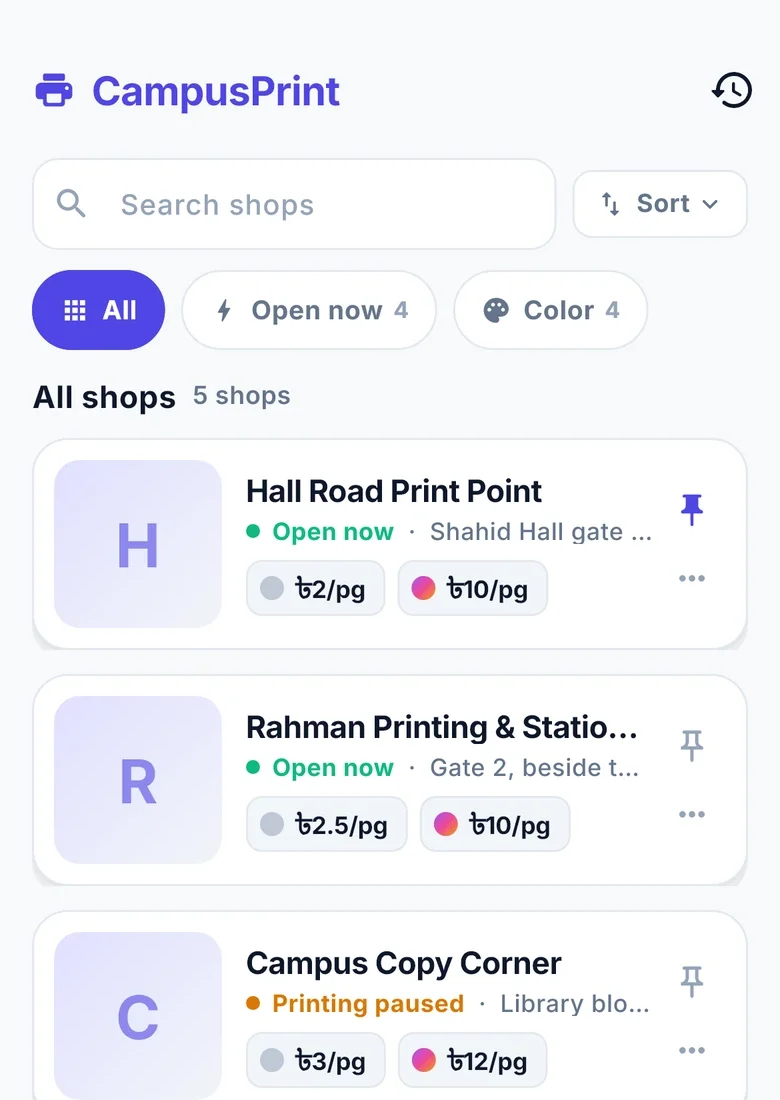 PRINT
PRINTTHE TOOLS, ONE BY ONE
Every capability has its own release status. Planned tools stay clearly marked.
An operator-only admin portal manages students, print shops, notices and routines.
Administrators can review sign-ups and suspend or remove accounts.
Major app features can be switched off remotely.
Student and course analytics are planned for the next update.
OPERATOR CONTROLS, CLEAR STATUS
The existing admin portal is operator-only. Account review, notices, routines, shops and feature controls are available; campus analytics are marked Next update.
My University is an independent student project. Partnership contact details are being finalised; this page does not provide an administrator sign-in.
Sign-ups are reviewed, and accounts can be suspended or removed by operators.
An operator-only admin portal manages students, print shops, notices and routines.
Any major feature can be switched off remotely if it ever needs to be.
OPERATOR-ONLY
Security review of sign-ups, with the ability to suspend or remove accounts.
Feature kill switches pause a major feature without an app update.
See the Contact page for the current options. The public website contact channel is being prepared. Account and data requests follow the existing full privacy policy's instructions.
This website has no sign-in, enquiry forms or analytics. It stores theme, Lite mode and motion preferences in your browser when you change them. App and Google Play links open separate services.
The privacy guide links to the existing full app policy and deletion procedure. The full policy contains complete data, retention and contact details.
Keep the everyday things together. Make room for what’s next.
Android & web · iPhone? Open the web app in Safari.
 On a laptop?