FOUR BRANCHES, IN 3D

See what each branch builds.

Power systems, jet engines, bridges and data halls: the work behind EEE, ME, CE and CSE.

Watch all four in 3D, then pick yours
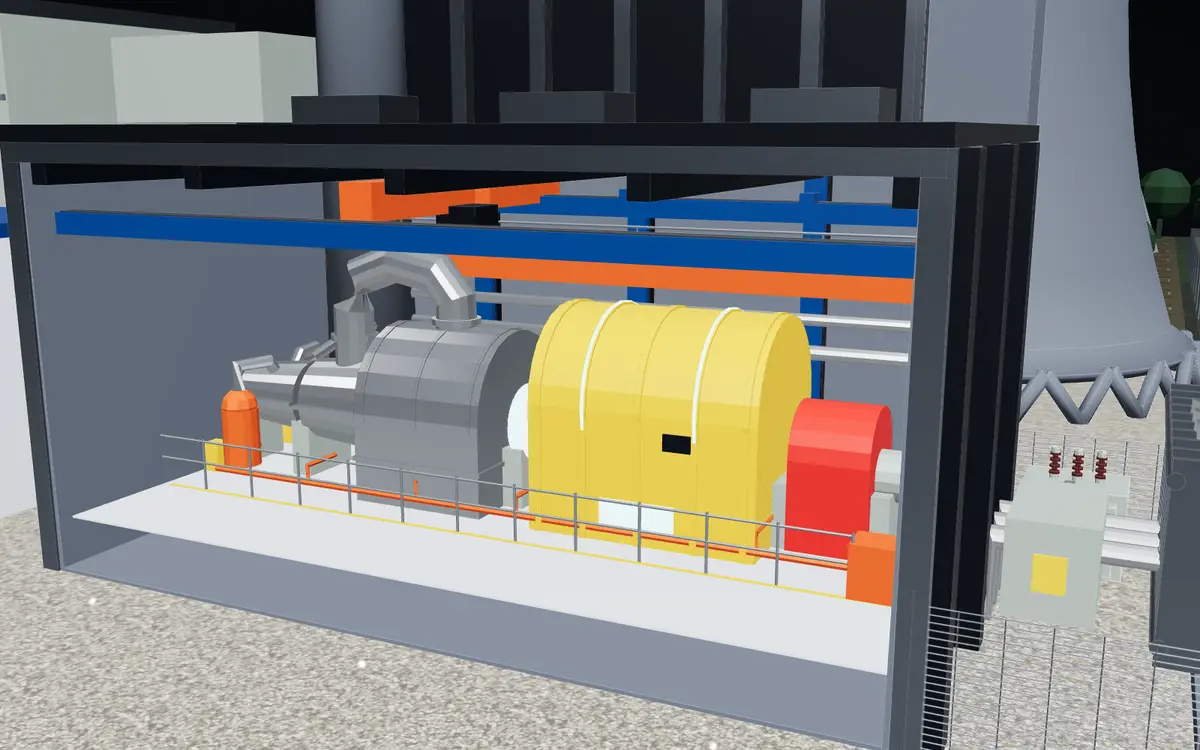
  • 3D model of a power station turbine hall with a yellow generator and its steam turbinesEEE
    Power, from generator to cityGeneration, 400 kV switchyards, transmission and the substations that feed a city.Explore EEE
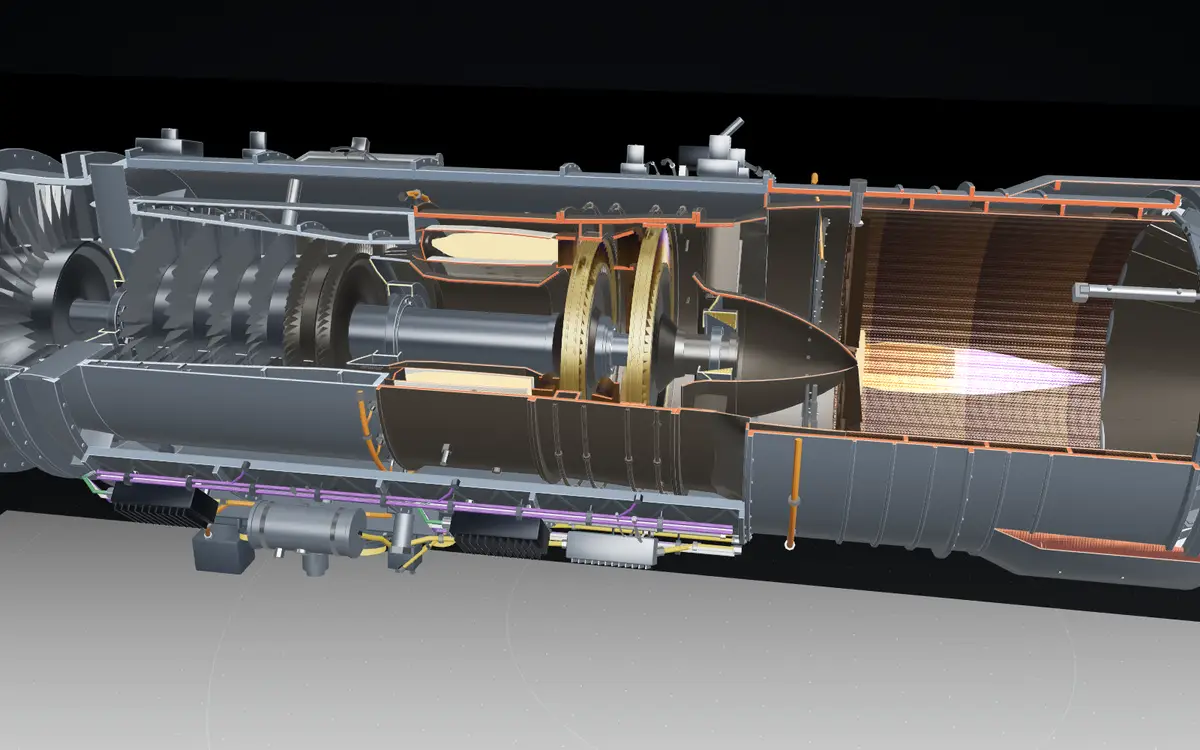
  • 3D cutaway of an afterburning jet engine with its fan, compressor, turbines and a flame in the afterburnerME
    Inside the jet engineFan, compressor, combustor, turbines and the nozzle that turns heat into thrust.Explore ME
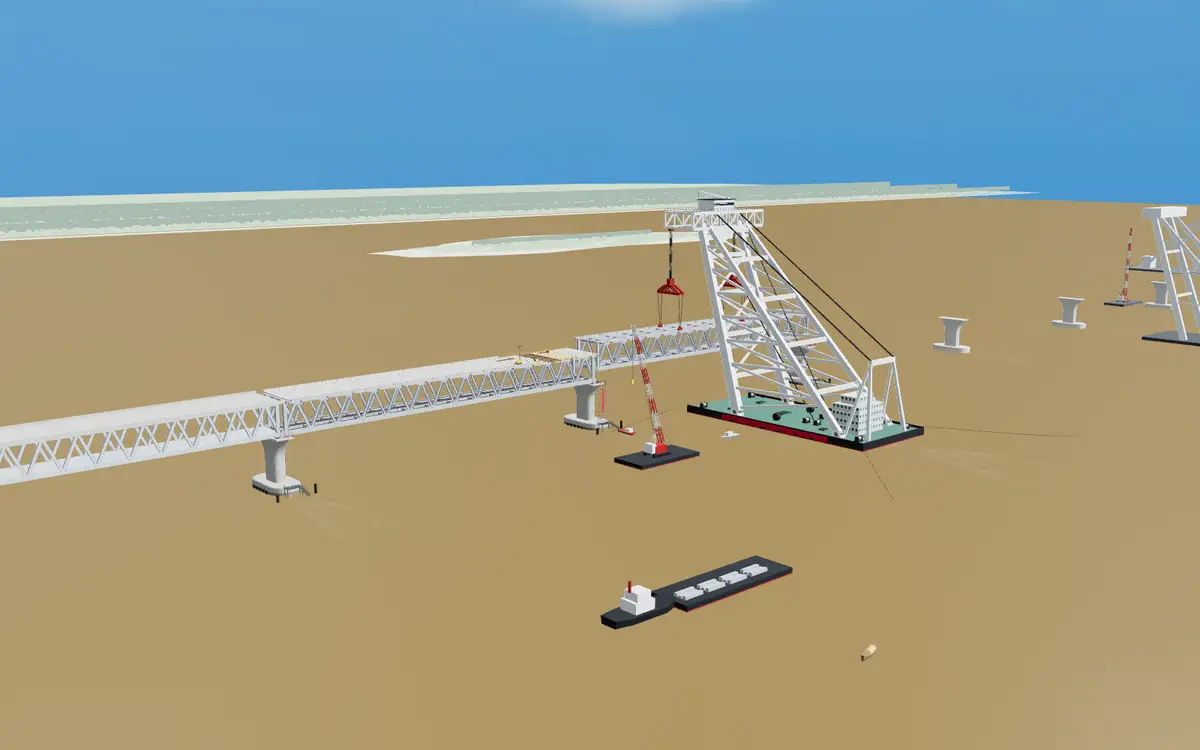
  • 3D model of a steel truss river bridge under construction, with a floating crane lifting a spanCE
    Structures that standPiles, piers and 150 m steel trusses, set in place by a floating crane.Explore CE
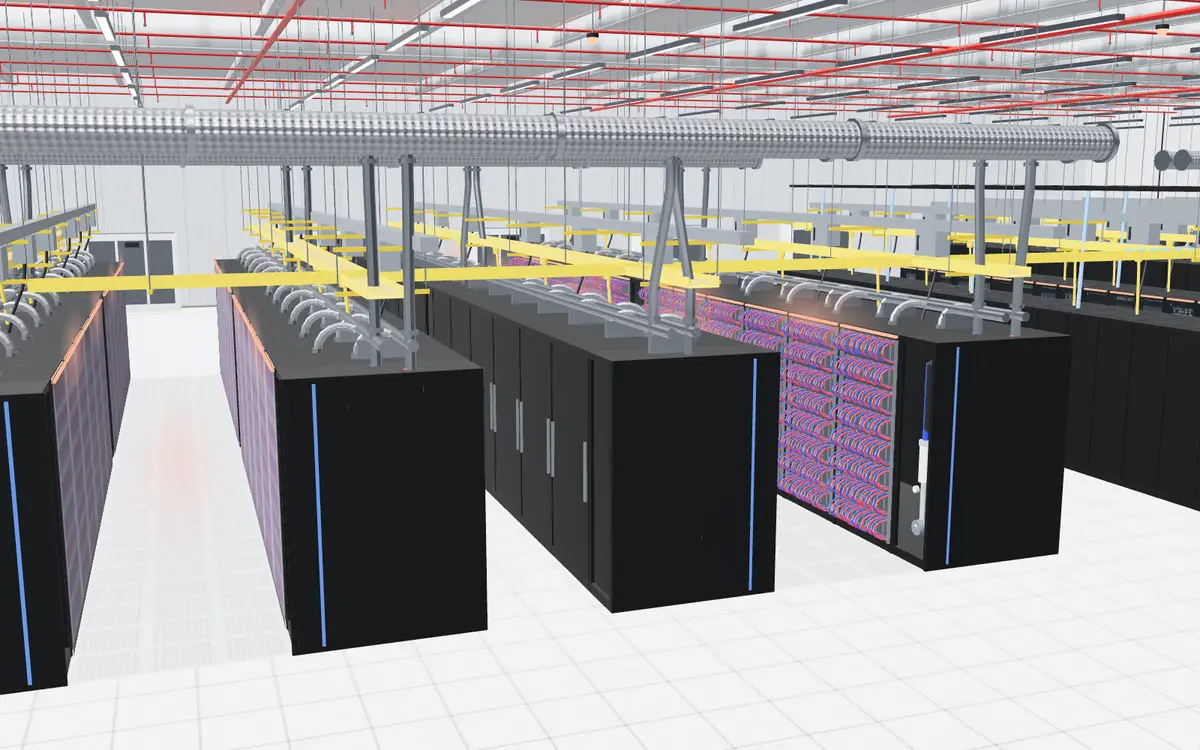
  • 3D model of a data hall: rows of black server cabinets under yellow cable traysCSE
    Systems that keep runningA liquid-cooled data hall, its network, and the fault that takes a section offline.Explore CSE

CLOSER IN

The parts you’ll get to know.

Two close-ups from inside each model: what EEE, ME, CE and CSE students take apart, calculate and design.

Walk through all four in 3D
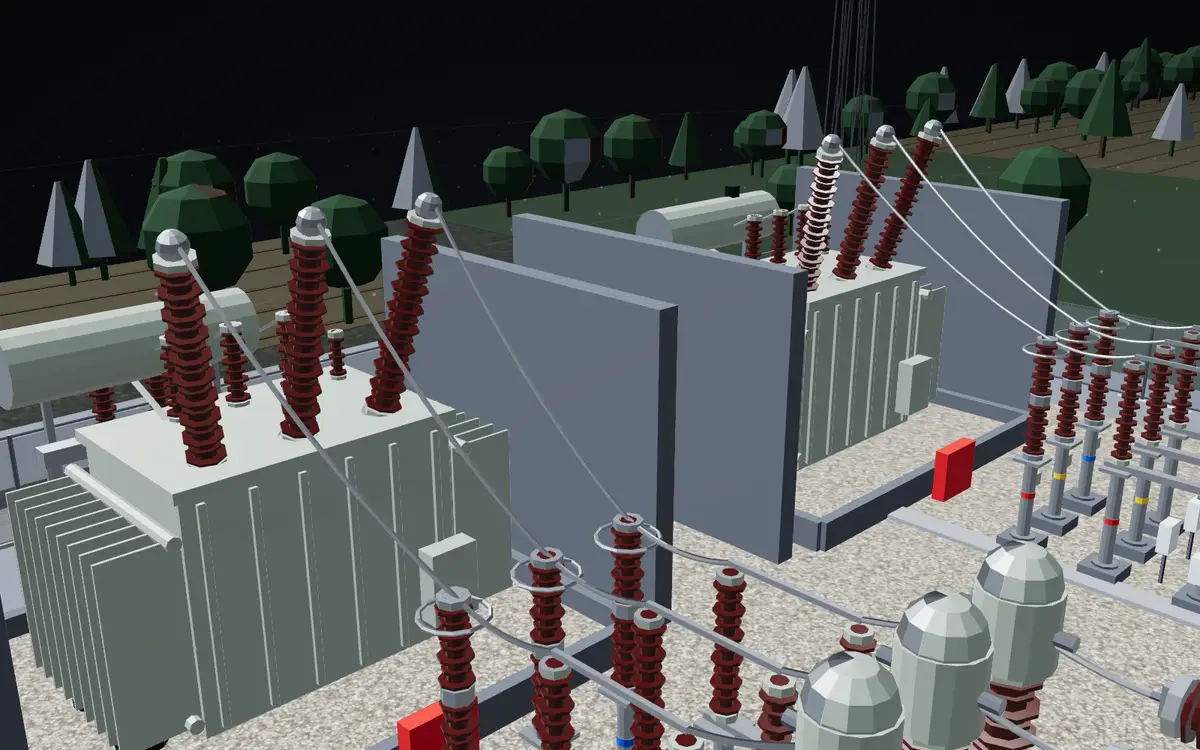
  • 3D power transformer with brown bushings in a substation bayEEE
    The power transformerSteps voltage up for the long lines, and down again for the city.
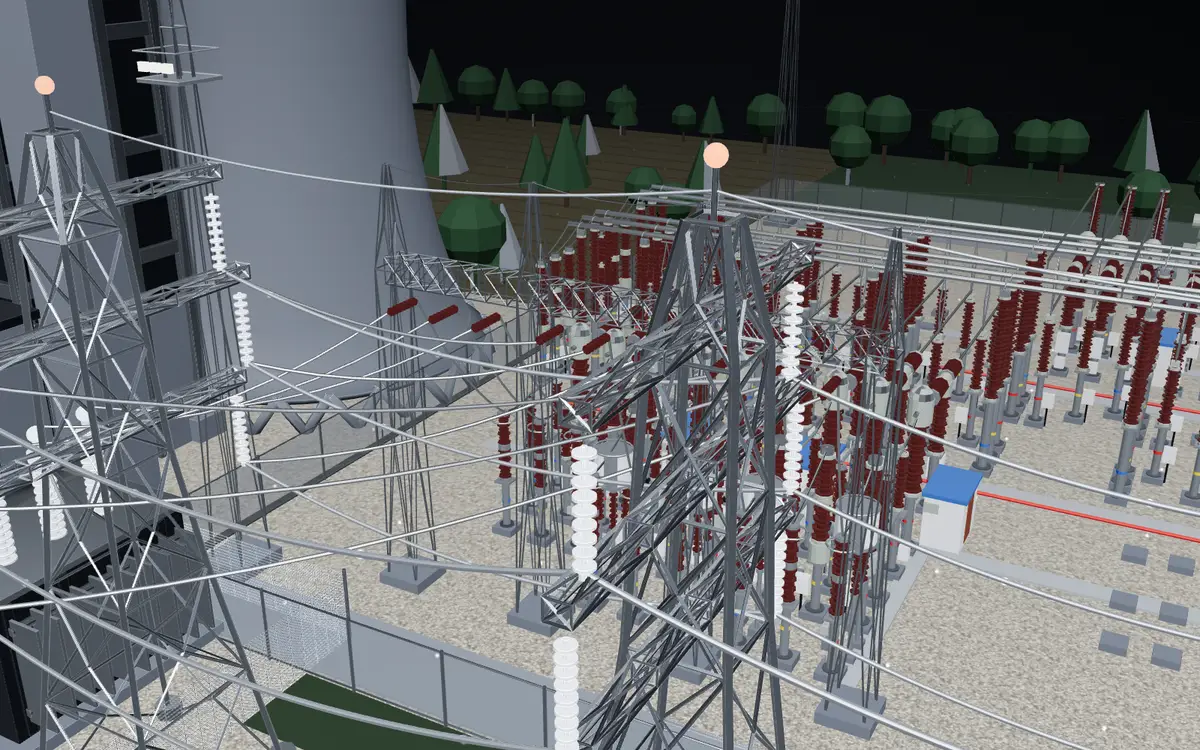
  • 3D lattice towers carrying high-voltage lines out of a switchyardEEE
    Lines leaving the yardLattice towers carry three phases away at 400 kV.
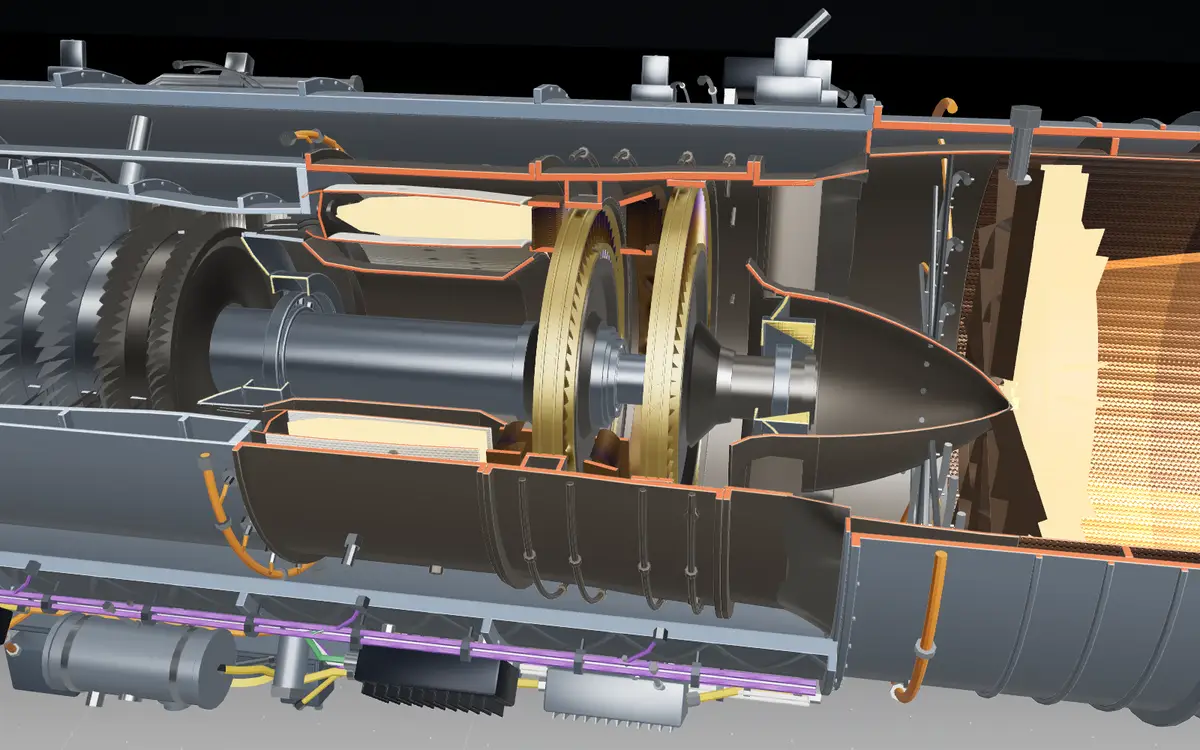
  • 3D cutaway of a jet engine core: compressor stages, combustor and turbineME
    The engine coreSqueeze the air, burn the fuel, let the turbine take the work out.
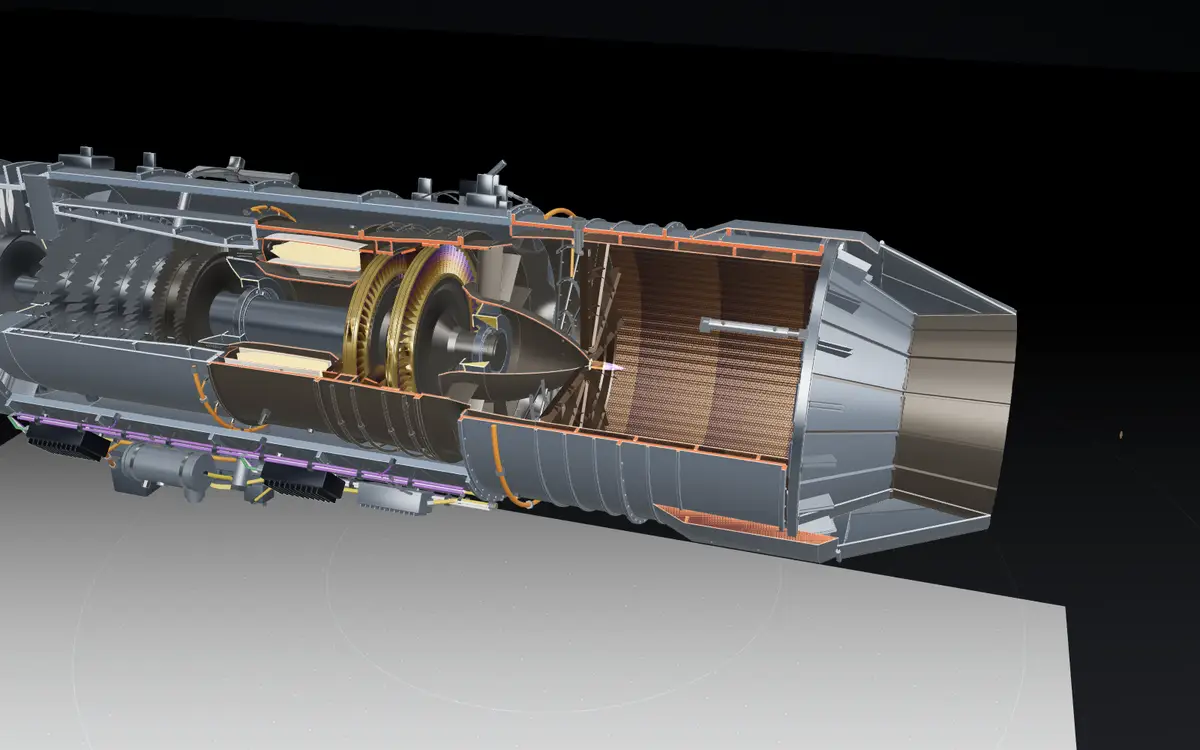
  • 3D side cutaway of the jet engine from fan to nozzleME
    Fan to nozzleOne shaft, many stages, and a casing that holds it together.
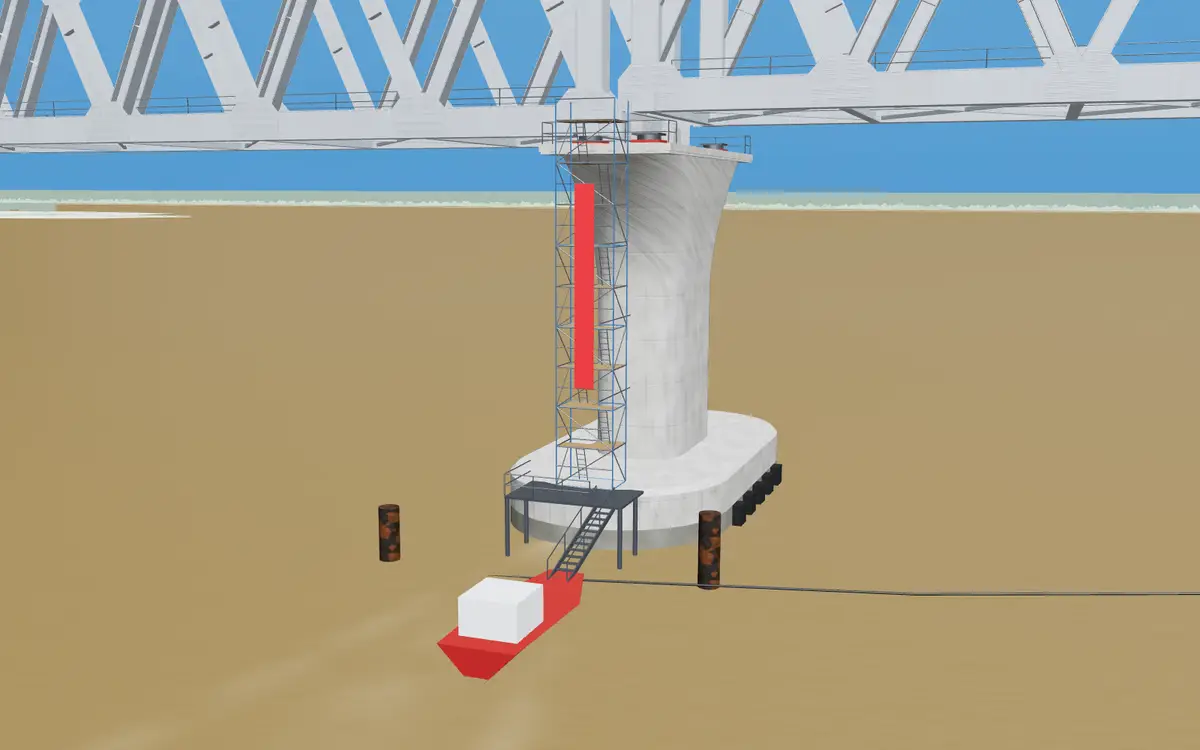
  • 3D concrete bridge pier rising from the river, with a work boat at its baseCE
    A pier in the riverPiles go deep below the riverbed so the pier can carry a whole span.
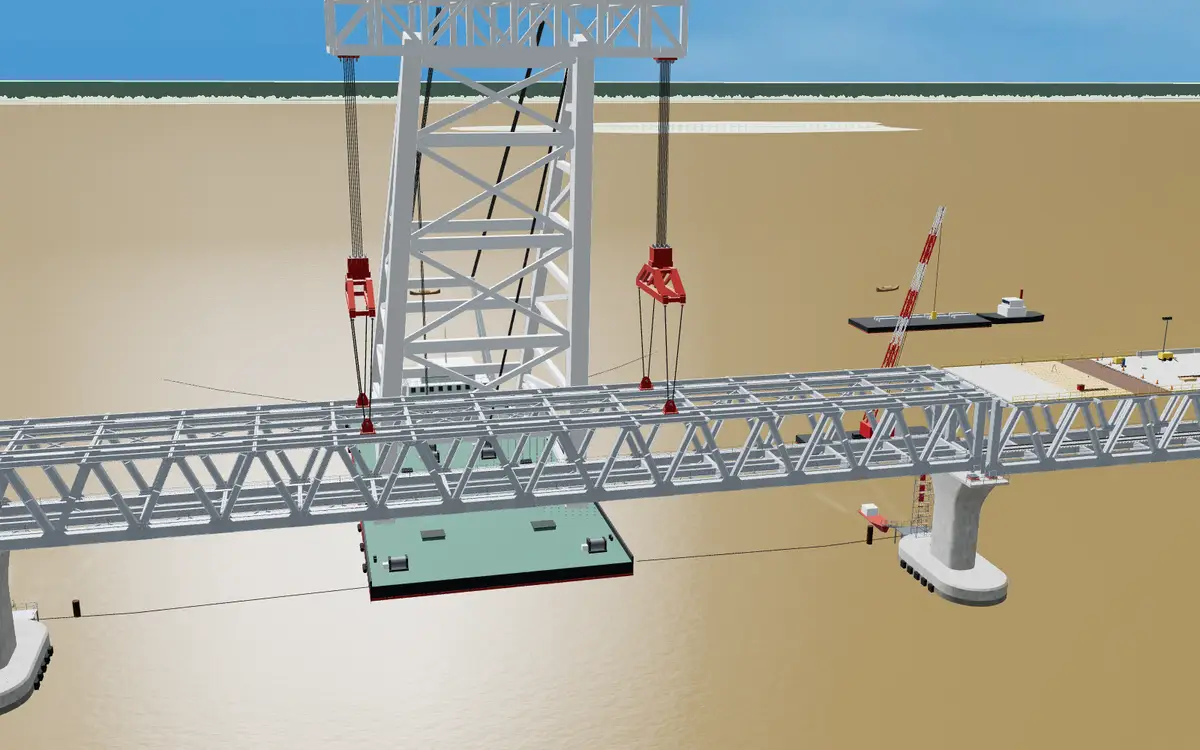
  • 3D floating crane lowering a steel truss span onto its piersCE
    Lowering a spanHooks, slings and a few millimetres of tolerance.
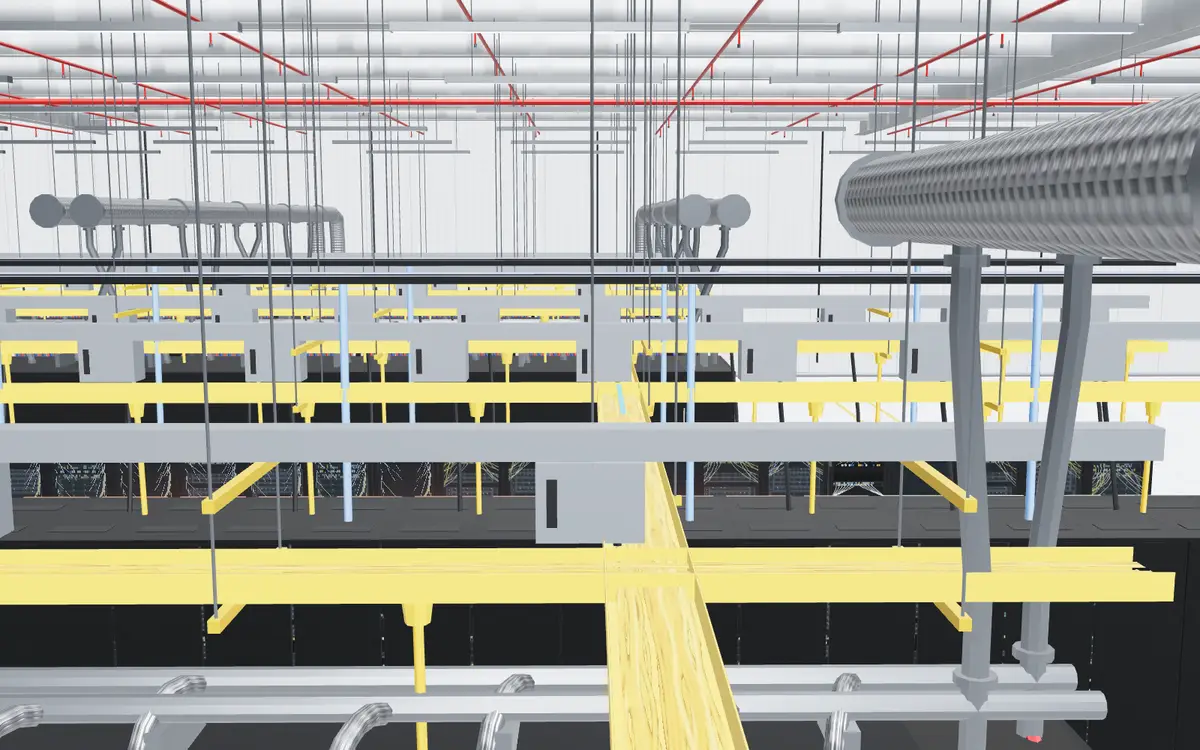
  • 3D data hall ceiling with yellow fibre trays above the server rowsCSE
    Above the racksFibre trays route every link between the leaf and spine switches.
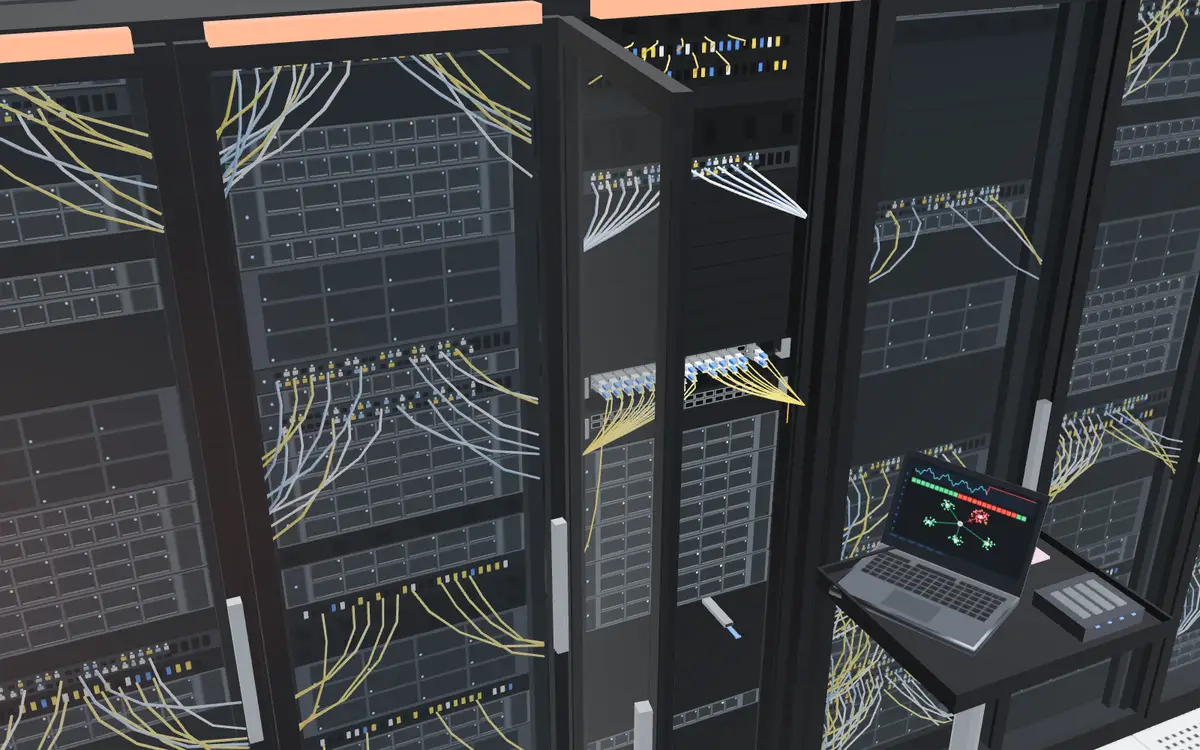
  • 3D server racks with fibre patch cables and a laptop on a cartCSE
    At the rackWhere an engineer finds the failed link and brings the section back.
26Department pagesEvery branch has its own
5Engineering familiesGrouped by the work you do
4Intro studiosEEE, CE, ME and CSE
3More faculties plannedBusiness, science and arts

FIVE FAMILIES

Different labs.
One shared routine.

Departments are grouped by the kind of work you do. Pick a family to jump to its branches.

5 DEPARTMENTS

Electrical & Electronics

Power. Signals. Connection.

Electrical and electronics branches spend as much time in the lab as in the lecture hall. Your routine can keep lab days, notices and reports together.

  • Lab-heavy weeks, handled
  • Reports printed between classes
  • Notes and slides offline
See the 5 branches

5 DEPARTMENTS

Civil & Built Environment

Shape the places we live.

Civil and built-environment branches run on sessionals, drawings and site work that shift often. Keep the current plan in your pocket.

  • Site visits and sessionals, never missed
  • Drawings and reports ready to print
  • A routine that knows your sessionals
See the 5 branches

6 DEPARTMENTS

Mechanical & Industrial

From motion to better systems.

Mechanical and industrial branches mix workshops, design sheets and labs. A clear routine keeps the practical days visible.

  • Workshop days on your routine
  • Design sheets printed between classes
  • Missed a class? Keep the slides
See the 6 branches

1 DEPARTMENTS

Computing

Build what comes next.

Computing is the branch where notices, slides and assignments move fastest. Keep all of it where you can find it.

  • Lab notices on time
  • Slides and resources offline
  • Assignments ready to print
See the 1 branches

9 DEPARTMENTS

Materials, Chemical & Process

Make more from matter.

Materials, chemical and process branches rely on lab schedules and written reports. Keep both organised in one app.

  • Lab schedule, always current
  • Lab report covers in one tap
  • Reports printed between classes
See the 9 branches

Electrical & Electronics

Power. Signals. Connection.

Civil & Built Environment

Shape the places we live.

Mechanical & Industrial

From motion to better systems.

Computing

Build what comes next.

Materials, Chemical & Process

Make more from matter.

THIS IS JUST THE BEGINNING.

Engineering today.
More faculties tomorrow.

Business, science and arts are planned for later. The campus essentials have room to grow with you.

BusinessComing soonScienceComing soonArtsComing soon

Don’t see your department? See how to reach the team.

FINDING YOUR BRANCH

Can’t spot yours?

More answers in Help
Can I find my engineering branch?

Browse the department hub to find the branch pages in the current design. Live department availability will be checked before launch.

How do I report a problem or ask about a new department?

See the Contact page for the current options. The public website contact channel is being prepared. Account and data requests follow the existing full privacy policy's instructions.

My section's routine is missing. Who keeps it updated?

Your CR publishes the section's routine. Let your CR know if it is missing, and share the CR page to introduce the available routine, notice and file tools.

How do I get started?

Install the Android app or open the student web app. Sign up and confirm your email before your account is created, then use your department and section to find your class tools.

Your campus.
In your pocket.

Keep the everyday things together. Make room for what’s next.

Android & web · iPhone? Open the web app in Safari.

QR code to open the student web appOn a laptop?
Scan to open the web app.