
Windows shop app
Incoming jobs, automatic printing, paper tracking and a running account for each student.
For print shops
A Windows desktop app and a phone panel for the daily work of campus printing.
 FOR PRINT SHOPS / MY UNIVERSITY
WHAT STUDENTS SEE
How students find you and send their jobs. Real screens, sample data.
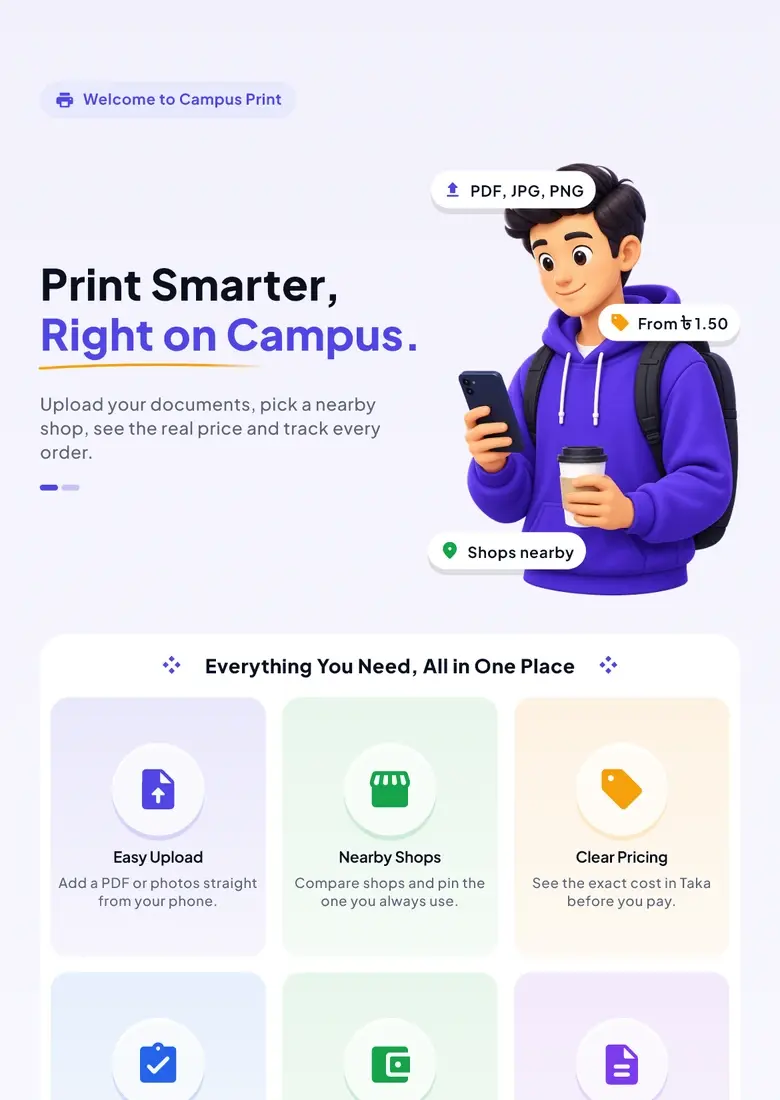 START
START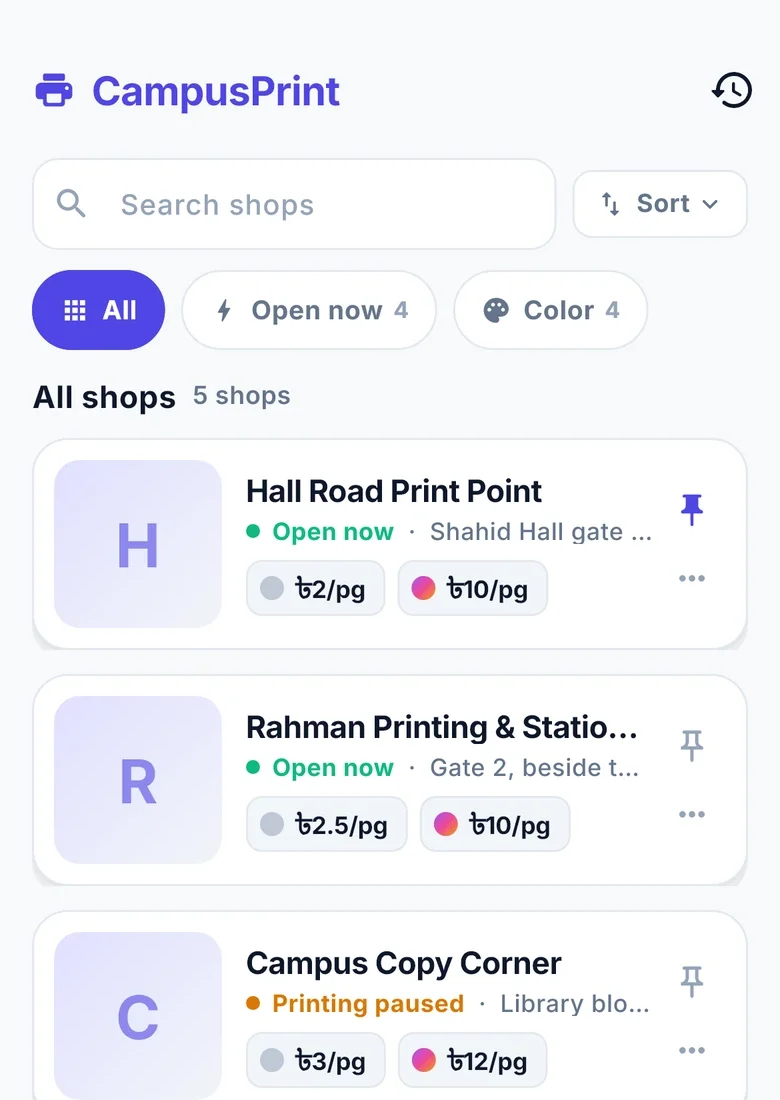 SHOPS
SHOPS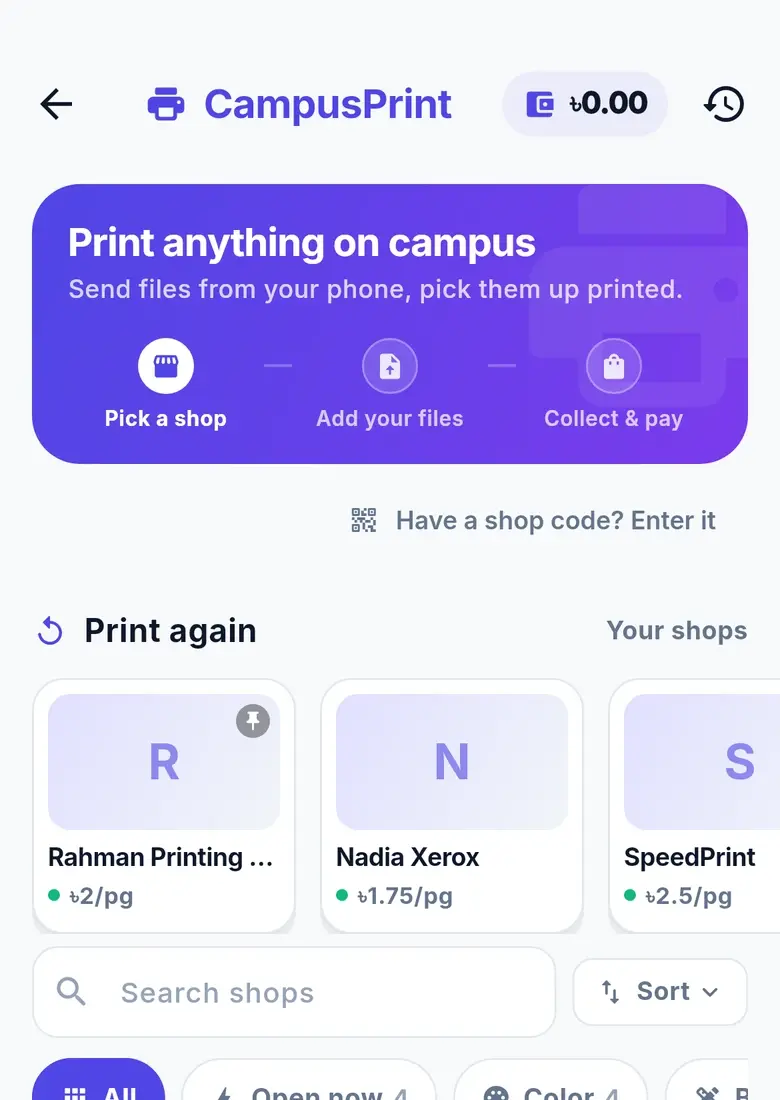 REPEAT
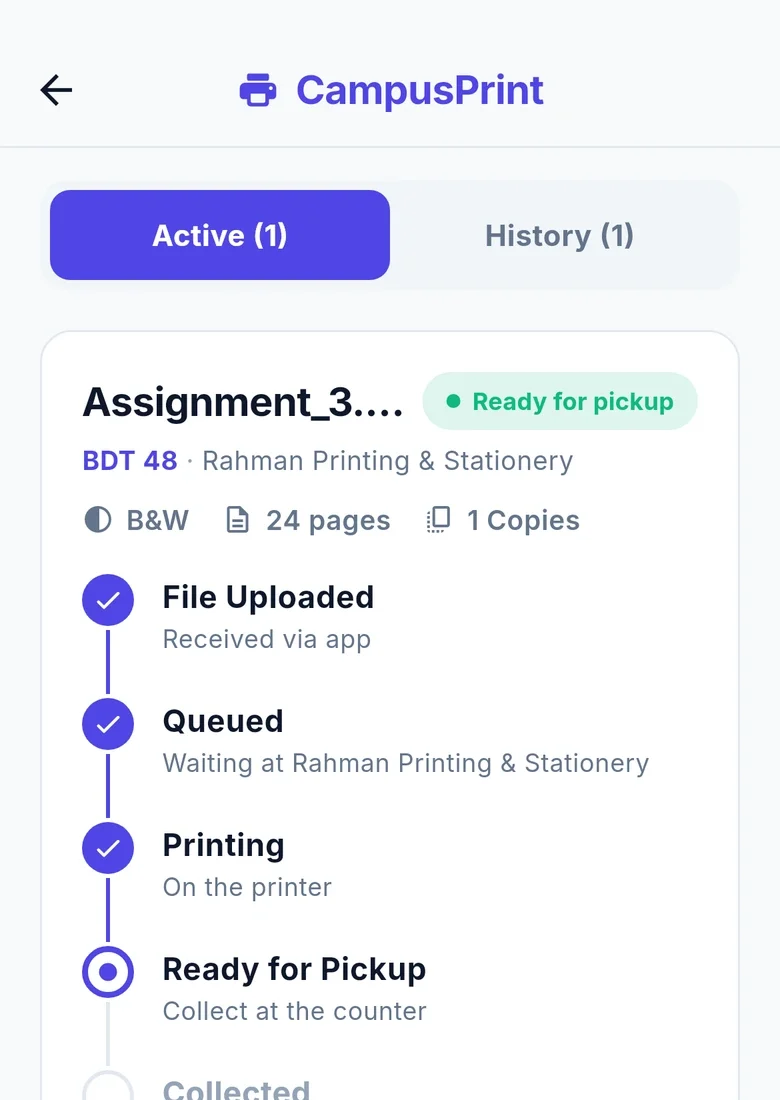 TRACK
TRACKTHE TOOLS, ONE BY ONE
Every capability has its own release status. Planned tools stay clearly marked.
Incoming jobs, automatic printing, paper tracking and a running account for each student.
Students are charged when printing starts. The shop’s page counts settle the bill in a tamper-evident ledger.
A shop can approve individual students for credit and release their waiting jobs.
See the queue, take cash on account, check today’s earnings and get out-of-paper alerts.
Show shop photos, directions, opening hours and notices.
The Windows shop app receives automatic updates.
Changing prices requires entering your password again.
Grouped pickup, search and one-action handover with a student receipt are coming next.
Own-section pricing in the vendor app is coming in the next update.
An expanded mobile control centre is coming next.
Automatic shop discovery for an operator’s phone is coming next.
Shop QR posters are planned.
A SEPARATE APP FOR YOUR SHOP
The public onboarding contact channel is being prepared. Fees, hardware minimums and a download are not published here yet.
Incoming jobs, automatic printing and paper tracking per printer, in a Windows app.
A phone panel shows the live queue, today’s earnings and out-of-paper alerts.
A tamper-evident ledger, charges that follow printing, and pay-later only for students you approve.
A SEPARATE APP FOR YOUR SHOP
Students are charged when printing starts. The shop’s page counts settle the bill.
Approve individual students for pay later. Their jobs wait until released.
The phone panel shows the queue, today’s earnings and an out-of-paper alert.
Add photos, directions, opening hours and notices to your shop profile.
The print-shop page explains the Windows app, phone panel and release statuses. Public onboarding contact details are being prepared; fees and hardware minimums are not confirmed here.
The charge starts when printing starts. The shop's page counts settle the bill, and the charge is kept in a tamper-evident ledger.
A shop may approve individual students for credit. Availability depends on your shop’s approval.
Keep the everyday things together. Make room for what’s next.
Android & web · iPhone? Open the web app in Safari.
 On a laptop?